Glambot Video Booth
Discover a Range of Futuristic and Trending Glambot Video Booth Experiences Tailored to Make Your Events Unforgettable with Captain Booth!
Glambot Video Booth
- LED professional Lighting
- HD 1080p output video
- Futuristic Robotic Arm 6-Axis
- Customize Video Template Design
- High quality props provided
- Designer to help with design samples. Please forward logo / bride groom name / poster
- Custom Outro video customization
- Selectable background music
- Backdrop selection with stand
- QR sharing softcopy. iPad Instant Video Sharing
- All softcopy link after event
- Friendly assistant
PRICE RM 7000/ 4 Hours
- Subsequent Hour RM1000
FREE Customization
Designer to help with design samples. Please forward logo / bride groom name / poster
FREE Props & Free Backdrop 8×8 ft
Increase the excitement by adding fun and funky props to your guest before they enter the photobooth. Free Backdrop 8×8 ft
FREE Transport
- Free Delivery & Setup within Kuala Lumpur, Klang Valley & Johor Bahru
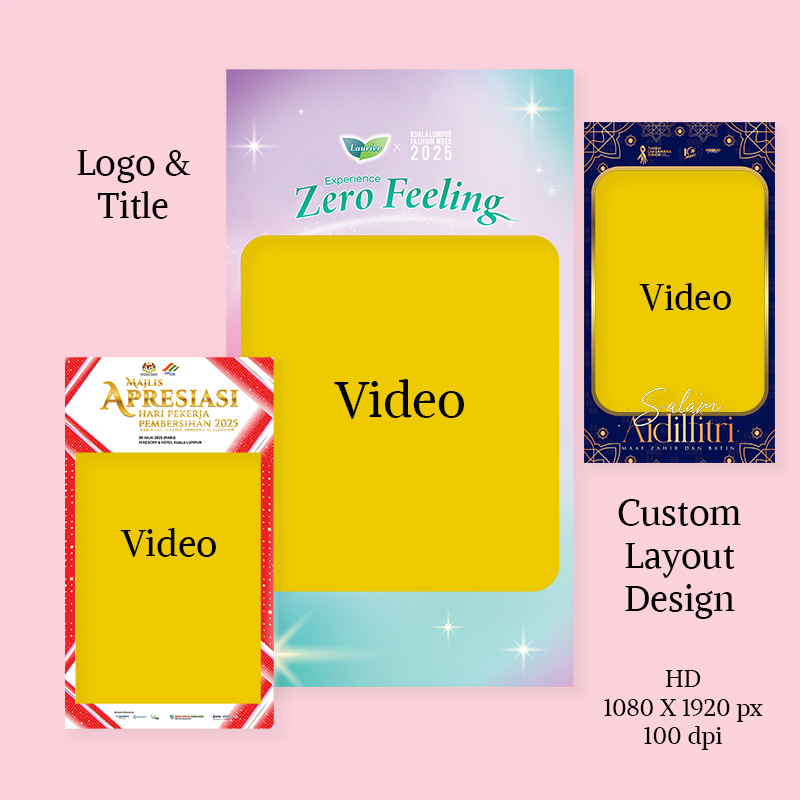
Frame Overlay Customization
The 360 video booth output size is 1080×1920 pixel (1080p). A variety of layouts are possible for the templates.
Backdrop Selection
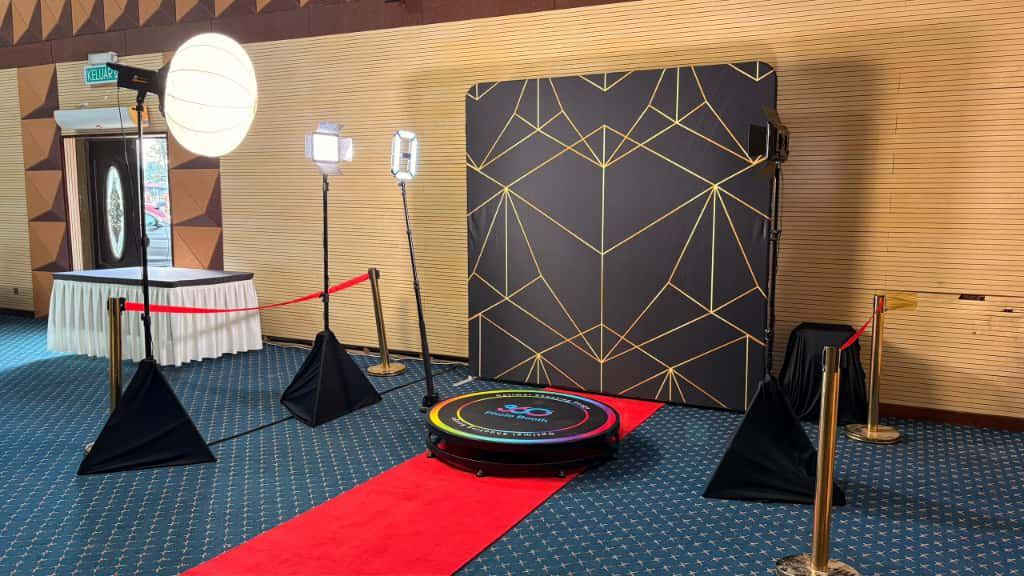
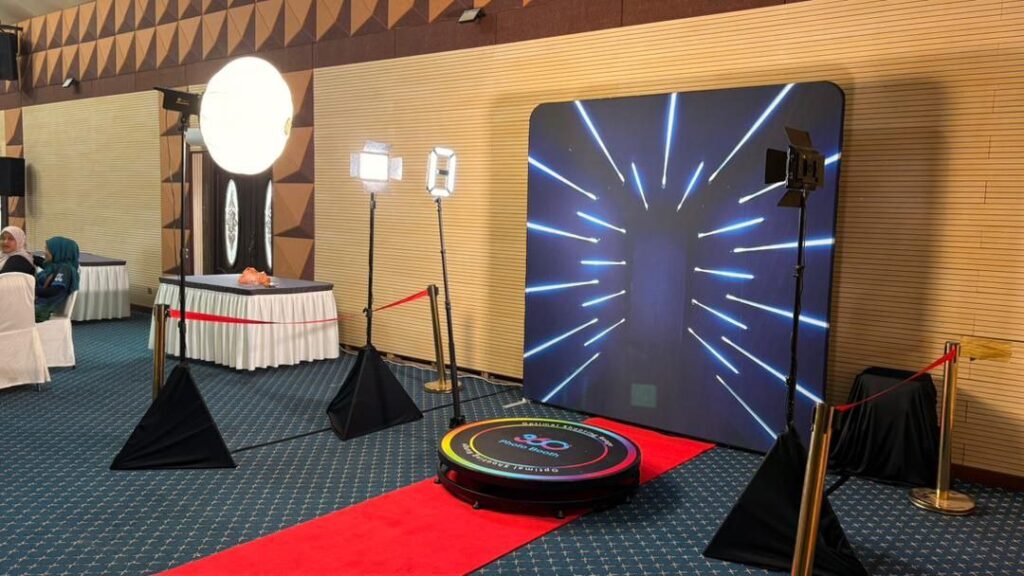
Variety of ready stock backdrop selection available.
Backdrop 243×243 cm (8×8 ft) fabric tension with aluminum stand


Here are the general steps to use a Glambot Video Booth:
1. Step into the Frame
Stand on the marked spot on the floor.
Make sure your face and outfit are visible in the frame.
If you’re joining with friends, stand close together.
2. Get Ready to Pose
Fix your posture, hair, and outfit.
You’ll hear a countdown before recording starts.
When the operator says “Ready… 3, 2, 1!”, strike your pose!
You can move naturally, flip your hair, wave, or strike a dramatic pose — just keep your movement smooth.
3. Recording in Progress
The camera arm will move automatically around you — don’t move away.
It will only take a few seconds to capture your slow-motion video.
Smile and enjoy the moment!
4. Preview Your Video
Once done, you can watch a quick preview on the nearby screen or tablet.
If your clip looks good, you’re done!
If not, ask politely for a retake (if time allows).
5. Share Your Glambot Video
After processing, your video will be available for instant download or sharing.
Scan the QR code on the screen or tablet to get your clip.
You can then share it on social media — don’t forget to tag the event hashtag or brand!
6. Step Aside
Once you’re done, step aside so the next guest can have their turn.
Feel free to take photos or boomerangs of others from the audience area.